
Smart ways to shop
Delivery and Returns
Free Delivery
Enjoy free delivery for all orders (except for remote areas).


Registered Businesses
Special Business offers
Register for a Samsung Business Account and receive special offers on Mobile, TV/AV, Monitors products.


Payment and Finance
Payment Methods
Payment modes that suits your business


Step 1: Create an account
In order to register, you need a Samsung account.
Note: You must use your company email address to register for the Samsung account.
If you already have an account, proceed to step 2.
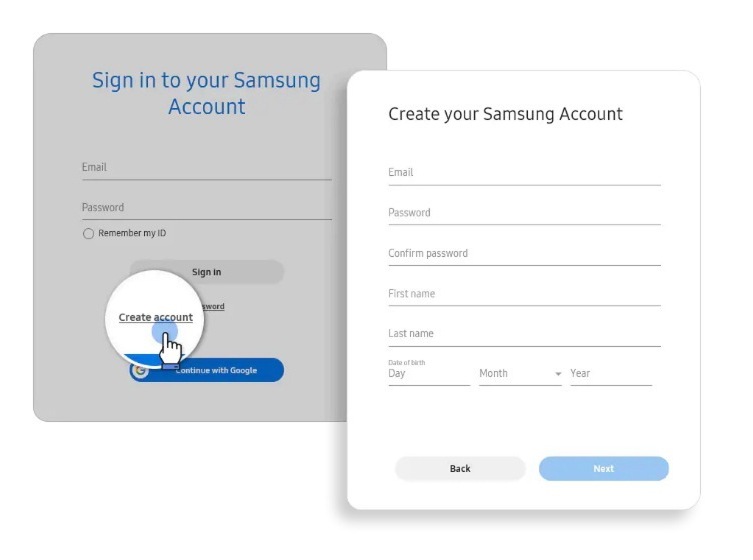
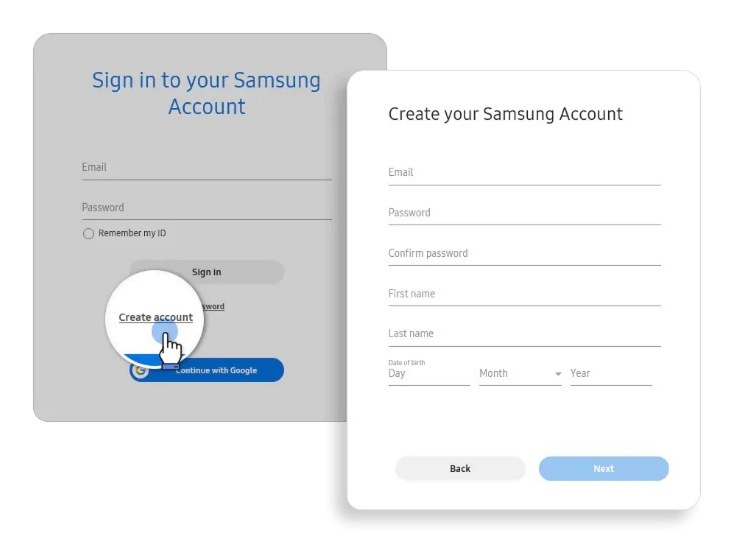
Step 2:
Login to Samsung account
Simply sign in to your Samsung account and proceed to step 3
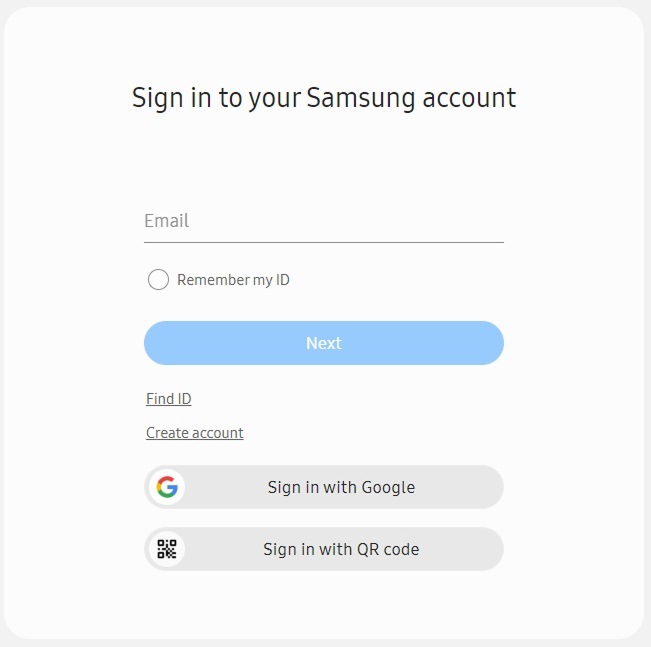
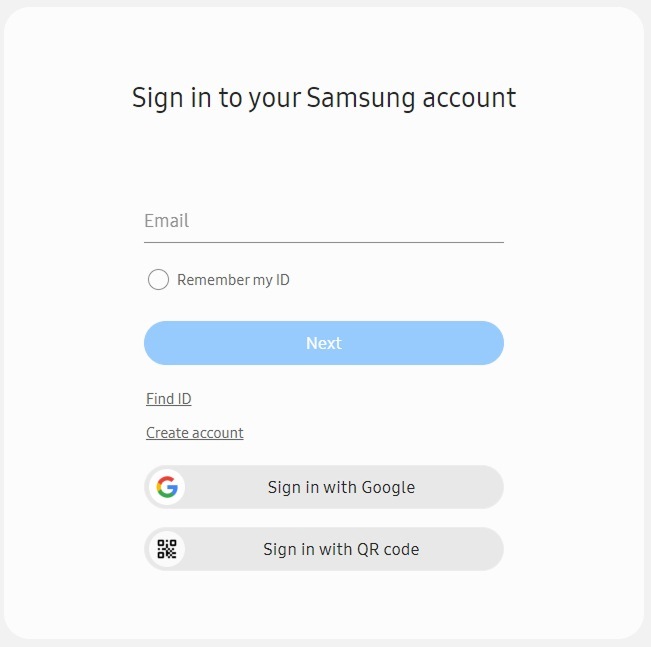
Step 3:
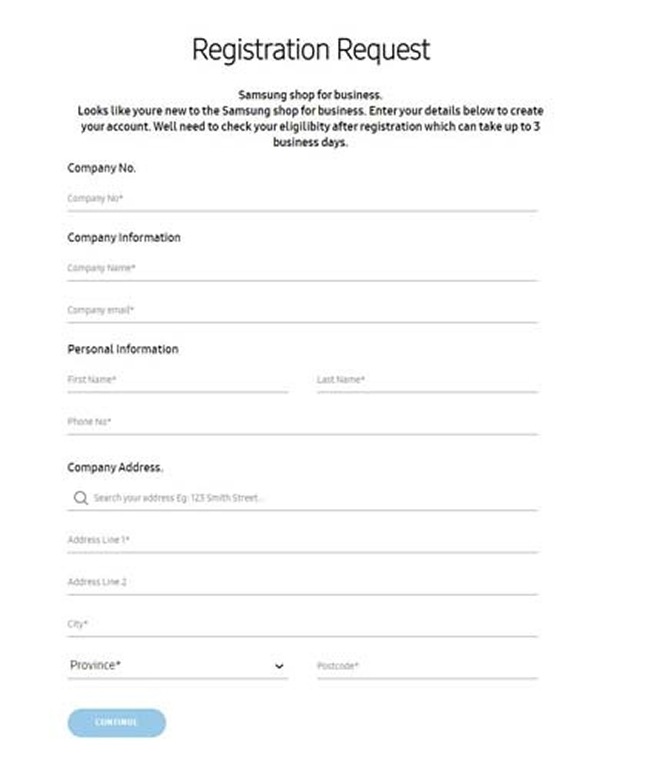
Register your company
You will need to register your company details
via the Business registration form to access your
Business Shop account.
Our customer service team will verify
your account request as quickly as possible,
within core business hours.
Step 4:
Email Business Registration to us
Email a copy of your company’s business registration to our SMB contact at: smb.contact@samsung.com. This will be needed for your SMB account approval.


Step 5:
Verification your business account
Watch-out for the verification email.
You will receive a verification email, click on “Verify your account” to complete the verification email or if you have any questions, you can contact the team at the contact form below.


